When I work with a framework like Express, receiving a request and sending a response takes very little code. I define an endpoint, read something from the request, and return a result.
That makes building an API easier, but it also leaves a lot underneath that I don’t have to think about.
What does it actually mean for a server to listen? Where does the connection live? And what happens when another client arrives while the server is still handling the first one?
I built a small HTTP server in C to work through those questions. The project is called HTTP Server on Eggshells.
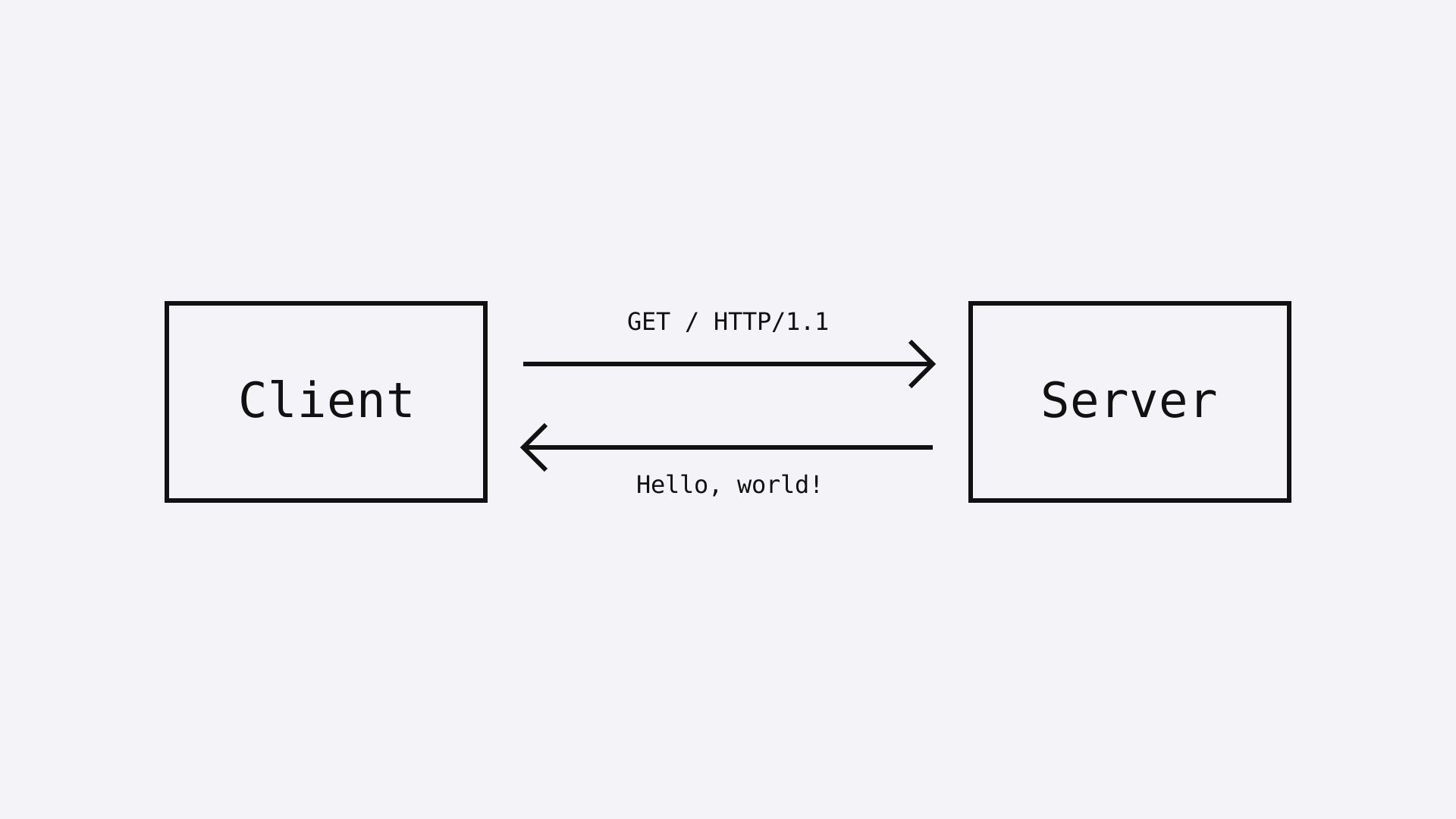
The whole implementation lives in one file. It reads bytes from a connection, prints them, and sends back Hello, world!.
View the source code on GitHub
Starting with a socket
The first thing the server needs is a way to communicate over the network.
int server_fd = socket(AF_INET, SOCK_STREAM, 0);For this example, that creates an IPv4 TCP socket.
The return value is a file descriptor: a small integer that refers to a resource managed by the operating system. The socket itself isn’t stored inside that integer. The integer is how my program refers to it.
At this point, the server hasn’t chosen a port or started accepting clients. It has only created the socket.
Those are separate steps.
Giving the socket an address
The server fills in an address structure:
struct sockaddr_in server_addr;
memset(&server_addr, 0, sizeof(server_addr));

server_addr.sin_family = AF_INET;
server_addr.sin_port = htons(8080);
server_addr.sin_addr.s_addr = INADDR_ANY;
This says to use IPv4, port 8080, and any local IPv4 interface. It isn’t restricted to the loopback interface.
The htons() call puts the port number into network byte order. It’s a small detail that the framework normally keeps out of sight.
Then the server binds the socket to that address and starts listening:
bind(server_fd, (struct sockaddr *)&server_addr, sizeof(server_addr));
listen(server_fd, 10);
These snippets show the main calls; the repository also checks their return values.
The 10 passed to listen() is a backlog setting for pending connections. It doesn’t mean the server has ten workers or can process ten requests at once.
Listening and processing are different things.
The listening socket isn’t the client connection
The next step is accept().
When it succeeds, it returns a new file descriptor for the connected client. The original listening socket stays open.
That distinction makes the rest of the program easier to follow:
| Socket | Job |
|---|---|
| Listening socket | Accept new connections |
| Client socket | Read from and write to one connected client |
Closing a client socket doesn’t stop the server from accepting another client. They are different resources.
The basic flow becomes:
Create socket
Bind to port 8080
Start listening
Accept a client
Read from the client socket
Write a response
Close the client socket
The accept step runs inside a loop so the program can keep receiving connections.
Reading bytes before understanding HTTP
Inside the client handler, the server reads into a buffer:
char buffer[4096];
ssize_t bytes_read = read(client_fd, buffer, sizeof(buffer) - 1);
After checking for a read error, it adds a null terminator and prints the buffer.
If the client is curl, the bytes might start with something like this:
GET / HTTP/1.1
Host: localhost:8080
But my server doesn’t parse that into a method, a path, or a set of headers. It just prints what it received and sends the same response.
There is another limit here: one call to read() doesn’t necessarily return a complete HTTP request.
TCP gives the application a stream of bytes. A request can arrive across multiple reads, and one read can contain more than the application was expecting to handle at that moment.
So this buffer is enough for a small experiment, but it isn’t an HTTP parser. A more complete implementation needs to keep reading and determine where the request ends.
Writing the response by hand
The response is a string written to the client socket. It contains a status line, headers, a blank line, and a body.
A response for this body should look like this in C:
const char *response =
    "HTTP/1.1 200 OK\r\n"
    "Content-Type: text/plain\r\n"
    "Content-Length: 12\r\n"
    "Connection: close\r\n"
    "\r\n"
    "Hello, world!";
The empty line separates the headers from the body. The \r\n sequences are the line endings used here.
There is a mistake in the current repository version worth calling out: it declares Content-Length: 13, but sends Hello, world! without a trailing newline. That body is twelve bytes.
The terminating null byte of a C string doesn’t count toward the body sent here, because the code uses strlen() when writing the response.
That means a client can receive the greeting and still report that the response ended early. Seeing the text arrive isn’t enough to show that the response is correct.
The example above corrects the length and explicitly tells the client that the connection will close. Those changes are not yet in the repository version this post describes.
There is also only one write() call in the implementation. A more complete server needs to check its result and handle partial writes, rather than assume every byte was sent.
Giving each client a worker thread
If accepting, reading, and responding all happen sequentially in the same loop, one slow client can hold up the next one.
The current implementation creates a worker thread for each accepted connection:
pthread_create(&thread, NULL, handle_client, client_fd);
pthread_detach(thread);
The main thread goes back to accepting connections. The worker reads from its client, writes the response, closes the socket, and finishes.
Main thread
    |
    +-- accept Client A --> Worker A --> respond --> close
    |
    +-- accept Client B --> Worker B --> respond --> close
    |
    +-- wait for another client
Detaching a thread allows its thread resources to be reclaimed when it finishes without another thread joining it. It doesn’t close the socket for me; the handler still has to do that.
Passing the connection to the worker
There is a small ownership detail in the code that matters once threads are involved.
The accept loop allocates space for each client’s file descriptor:
int *client_fd = malloc(sizeof(int));It stores the result of accept() there and passes the pointer to the worker. The worker copies the value and frees that allocation:
int client_fd = *(int *)arg;
free(arg);
This gives each worker its own argument storage. Passing the address of a single variable reused by the accept loop would be a problem: the loop could change its value before a worker reads it.
Freeing the allocation doesn’t close the connection. The copied file descriptor still refers to the open socket, which the worker closes separately.
Even in a short program, memory ownership and connection ownership need to be understood separately.
What this example leaves out
A thread per connection makes the concurrency model easy to see, but it doesn’t place a limit on how many threads can be created. Enough slow clients could consume resources while their workers wait for data.
There are several things this server still needs before it could handle less predictable traffic:
- Request parsing that handles data arriving across multiple reads.
- Correct response lengths and checked writes.
- Timeouts and limits on concurrent connections.
- Handling clients that disconnect during a response.
- A deliberate policy for persistent connections.
- Graceful shutdown and more complete error handling.
The example also doesn’t implement routing, TLS, or request-body handling.
I find those limits useful to name because otherwise it’s easy to confuse “a client received a response” with “I’ve implemented an HTTP server that handles the protocol properly.”
Trying the example
On a system with a C compiler and POSIX sockets and threads, you can build the repository with:
git clone https://github.com/yousofabouhalawa/http-server-on-eggshells.git
cd http-server-on-eggshells
cc -Wall -Wextra -pthread main.c -o http-server
./http-server
Then, from another terminal:
curl -v http://localhost:8080/The server prints the received bytes and sends the greeting. With the current response-length mismatch, curl may also report an incomplete response. Changing the declared length to twelve is a small first fix to try.
What I took away from it
The response this server produces is simple. The useful part for me is being able to follow the work behind it.
- A socket gives the program a networking resource to work with.
- Binding and listening prepare it to receive connections.
- Accepting a connection gives it a separate client socket.
- HTTP adds structure to the bytes moving through that connection.
- Threads let client handlers overlap, but introduce ownership and resource limits to think about.
Building this small example gives me a more concrete way to think about what a framework is doing underneath an endpoint. There is still plenty missing, but now I can point to those missing pieces and understand why they need to exist.